A projector in a primary school classroom is not a cinema screen. It’s a tool that changes how pupils receive instructions, examine a document or work through an exercise together. But to make the most of it, you need to go beyond simply projecting a slideshow prepared the night before. Here’s how to use a projector to keep pupils engaged, lesson after lesson.
Project pupils’ work to spark whole-class discussion
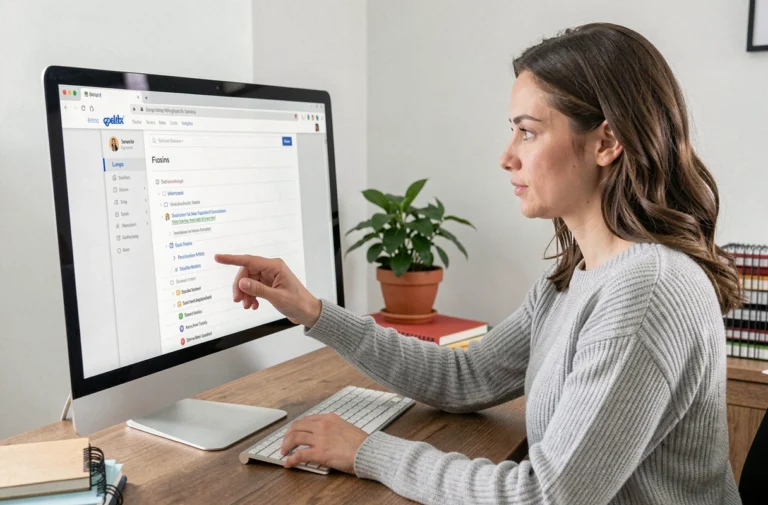
Have you noticed that pupils listen more attentively when it’s their own exercise book up on the board? A projector makes that possible. With a simple document camera (or visualiser), you can project a piece of work on paper in real time for the whole class to see.
The Basic Digital Competency Framework, published by the Committee of Digital Education Partners in November 2024, explicitly mentions this use. It recommends combining paper and digital materials to reinforce learning. Projecting a maths exercise completed in an exercise book, then asking the class to spot an error or compare two approaches, turns marking into a collaborative activity.
In practice, the teacher places the exercise book under the visualiser, the image appears on the wall, and pupils raise their hands to comment. The child whose work is being projected explains their choices. The others compare it with their own answers. This approach works just as well for writing as it does for science or visual arts.
Several teachers draw on a resource on using projectors in primary school classrooms to structure these lessons and ensure that projection doesn’t become a passive display.
Classroom layout and lighting: creating the right conditions to hold pupils’ attention
A poorly installed projector has the opposite effect to the one you want. The image needs to be clear without plunging the room into darkness. If pupils are squinting or the teacher has to switch off all the lights, concentration drops within minutes.
The November 2024 framework notes that blackout curtains may be needed to ensure the projector can be used effectively. Natural light falling on the projection screen reduces contrast and makes reading tiring. Managing the room’s brightness is therefore a teaching consideration, not just a technical adjustment.
A few things to check before starting a lesson:
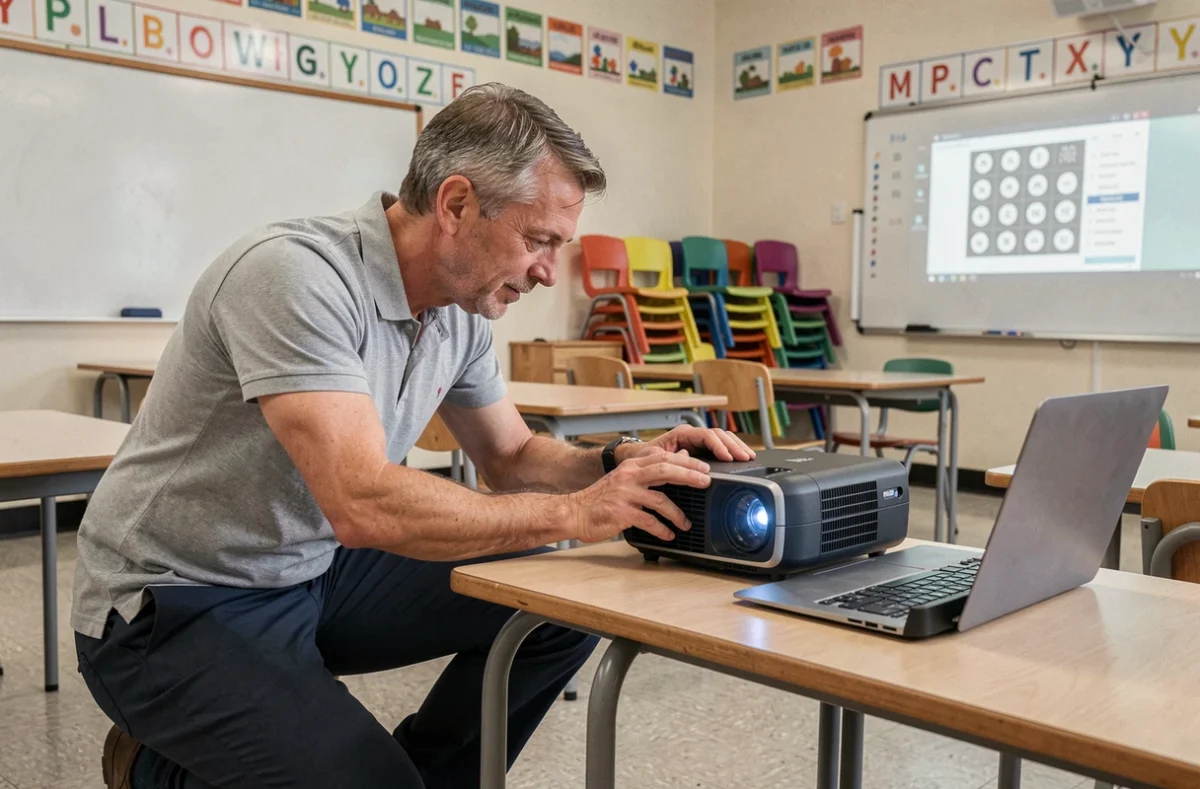
- The projector is ceiling-mounted or placed on a stable stand, so it doesn’t need adjusting every time and cables on the floor don’t obstruct pupils moving around.
- The screen or projection wall is at a height that can be seen from the back row, without pupils at the front having to tilt their heads too far back.
- Blinds or curtains let you adjust the light without completely darkening the room, helping prevent drowsiness and keeping the teacher visually connected with the class.
- The computer connected to the projector is ready to use—switched on and connected before pupils arrive—so you don’t lose five minutes getting started.
Interactive projectors in primary school: when the screen becomes a shared whiteboard
A standard projector displays a still image controlled from a computer. An interactive projector (IWB projector) adds another layer: you can write, move elements and annotate directly on the projected surface using a stylus or your finger.
Why does this distinction matter in primary school? Because interacting with the projected image makes pupils active participants. A child who comes to the board to circle a word in a sentence, move a vocabulary label or draw a line on a geometric shape is no longer just watching. The physical action helps embed the learning.
An interactive projector is particularly well suited to three types of lesson:
- In reading, to highlight connectives or noun phrases together in a projected text, making its grammatical structure visible.
- In science, to annotate a diagram (the water cycle, parts of a plant) as pupils suggest labels, rather than handing out a worksheet that’s already been completed.
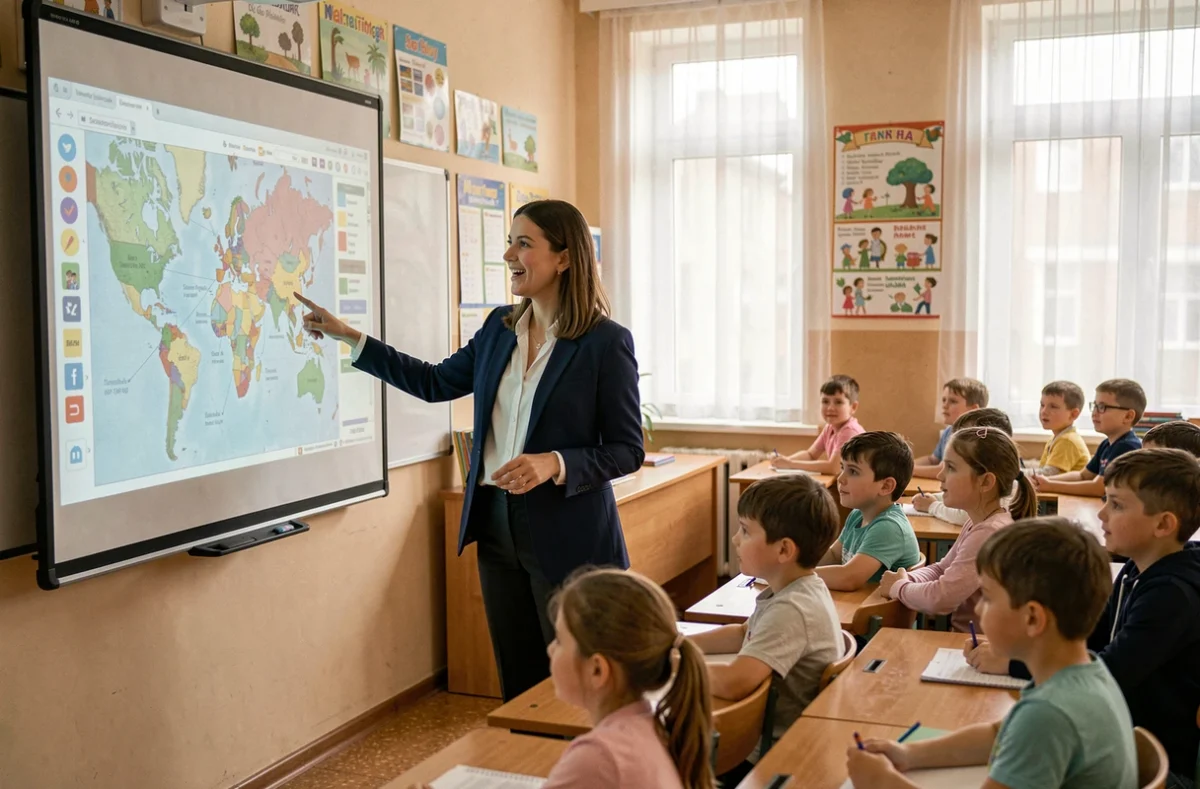
- In geography, to zoom in on a map, trace a route or compare two landscapes side by side, inviting the class to share their observations before settling on an answer.
Interactivity doesn’t replace individual thinking. Alternating whole-class projection with exercise-book work stops the screen from becoming a constant stream of content that eventually dulls attention. An effective lesson might include ten minutes of interactive projection, followed by fifteen minutes of written work, then a whole-class review using the projector to share and compare answers.
Digital resources for use with a school projector
Projecting content doesn’t mean you have to create your own materials. Many educational digital resources are designed for whole-class display. Science animations (volcanoes, the solar system, the human body) capture pupils’ attention by showing processes in motion—something a paper textbook can’t do.
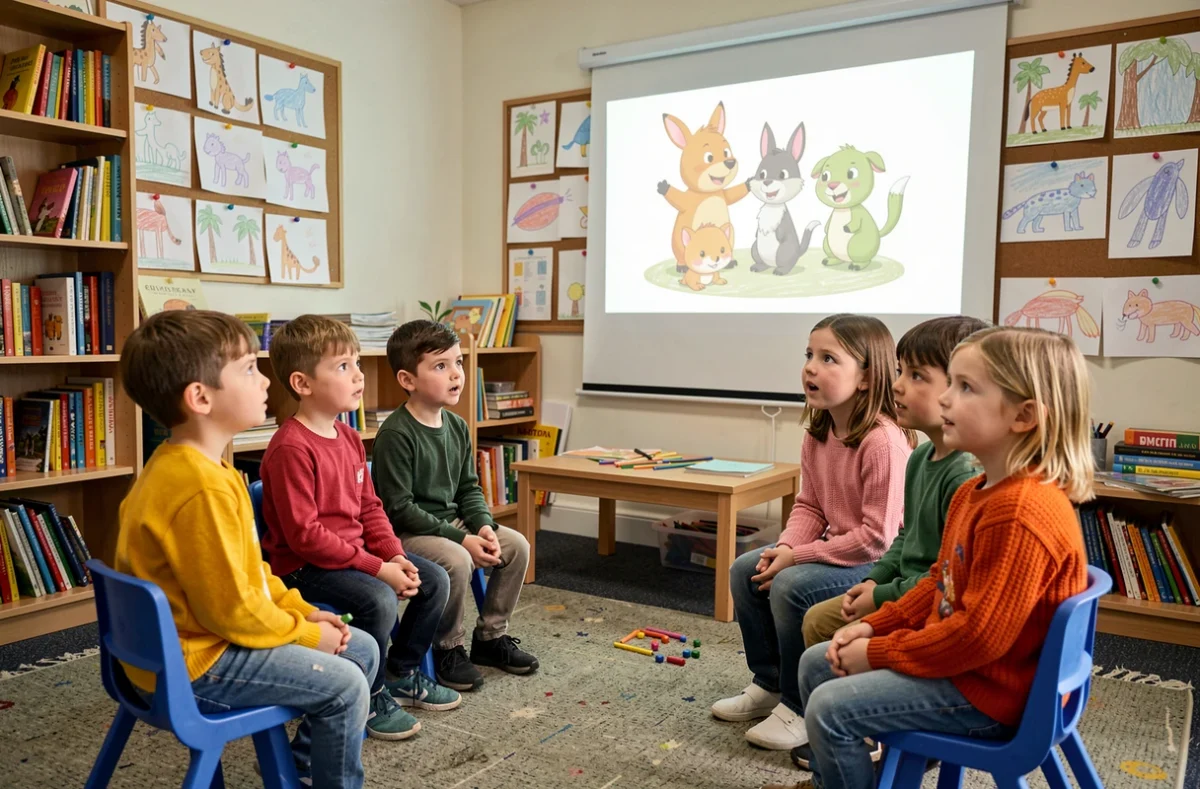
Short documentary videos, limited to three or four minutes, work well when followed by a specific question for the class. Projecting a video without asking pupils to listen for anything is like turning on the TV. Before it starts, pupils should know what they need to look for or remember.
Digital whiteboard software (Open-Sankoré, OpenBoard) lets you prepare interactive pages with hidden sections, fill-in-the-blank exercises or images to label. These tools are free and work on most classroom computers.
Limit screen time to preserve its ability to hold attention
A projector that’s on all the time loses its ability to capture pupils’ attention. The novelty wears off, and pupils eventually look at the projected image as if it were just another wall. Projection works best as a distinct part of the lesson, not as a permanent backdrop.
Switching off the projector between activities brings pupils’ attention back to the teacher or their exercise books. This simple action signals a change of pace. Primary school pupils need clear transitions like these to refocus.
A projector remains a teaching aid that amplifies learning. It makes individual work visible, brings static material to life and lets the class work together on the same subject. Its effectiveness depends less on its resolution or brightness than on how the teacher incorporates it into the lesson.