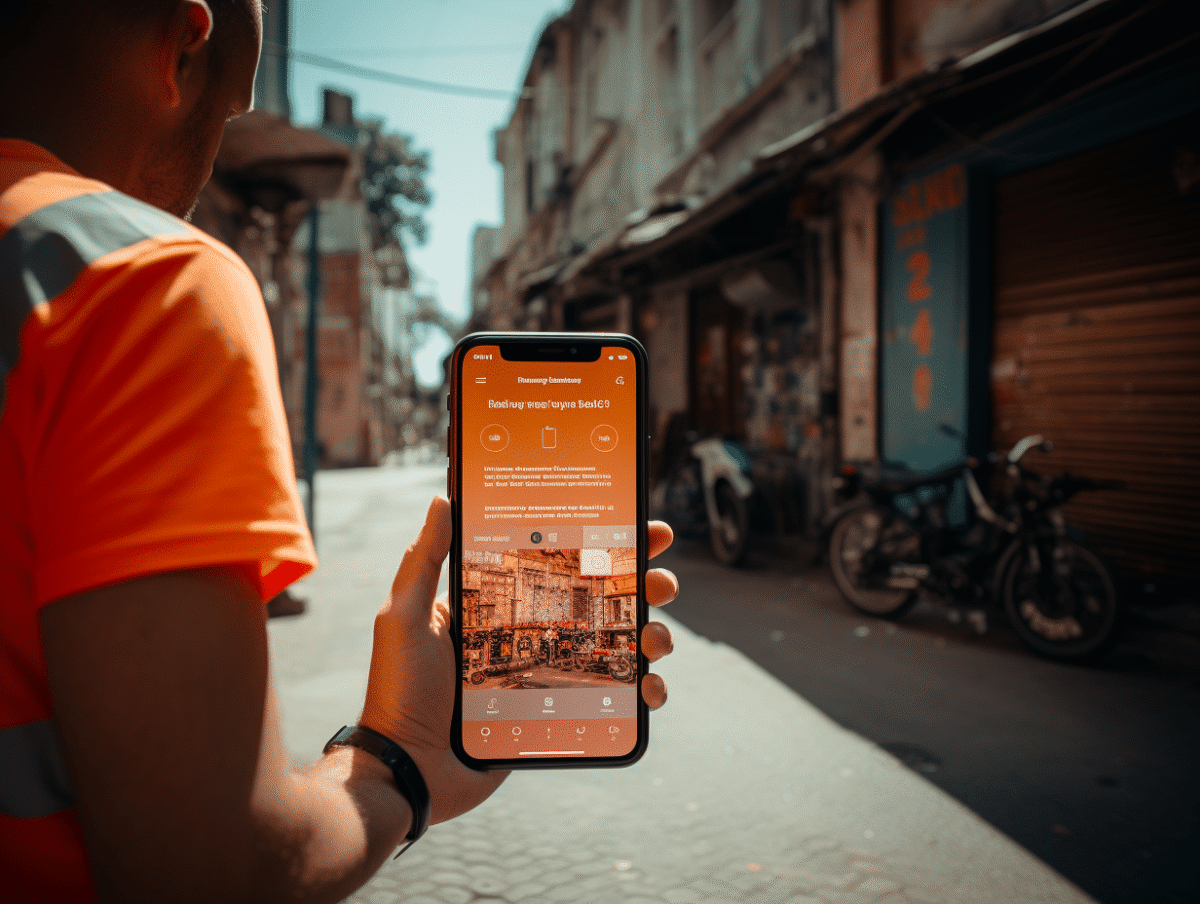
In today’s digital age, where online interactions often surpass in-person exchanges, businesses and researchers are turning to popular platforms like Facebook Messenger to gather valuable data. Conducting a survey via this messaging app can prove to be an effective way to directly reach a targeted audience and collect real-time responses. For this survey tool to be successful, it is essential to understand the best practices for designing, distributing, and analyzing data to obtain reliable and relevant insights.
The Fundamentals for Conducting an Effective Survey on Facebook Messenger
Designing a survey on Facebook Messenger requires a methodical approach. First and foremost, clearly define the objective of your survey. What do you want to discover? What information is crucial for your analysis? Once these questions are clarified, move on to creating the survey. The response options should be designed to simplify the task for the user while avoiding potential biases. On Facebook Messenger, favor closed questions for more uniform and easier-to-analyze responses. The Messenger group conversation provides fertile ground for distributing the survey. Be sure to target relevant groups where users are likely to be interested in the topic of your survey. The interaction should not be intrusive: a well-formulated introduction and a clear explanatory message will prevent any reluctance. From a technical standpoint, whether the user is on a smartphone, iPhone, or laptop, access to the survey should be smooth and seamless. As for the collection and analysis of the results, they require special attention. Ensure that the data is collected securely and processed with integrity. Transparency is key: inform participants about how their responses will be used. The analysis should accurately reflect the trends revealed by the survey while highlighting any methodological limitations. By adhering to these principles, the added value of a survey on Facebook Messenger can only be maximized for your business or research.
Advanced Strategies and Analysis of Survey Results on Facebook Messenger
In developing surveys on social media, the use of specialized third-party tools serves as a strategic lever. Platforms like SurveyMonkey, Google Forms, or Typeform offer advanced features for creating and integrating more sophisticated surveys into the Messenger mobile app or the desktop version of Facebook Messenger. These tools not only enhance the response options but also allow for the customization of the survey’s aesthetics, ensuring it reflects your company’s visual identity. Analyzing the results requires a fine and detailed approach. To transform the collected responses into valuable insights, the data must be scrutinized rigorously. Messenger surveys generate a significant amount of information that, when properly interpreted, reveals user preferences and the effectiveness of various marketing strategies employed. Tools like Polls.fr or Doodle can facilitate data organization and trend visualization, enabling informed decision-making. Engagement in Messenger group conversations is another factor to consider to ensure the success of a survey. Encourage active participation by asking open-ended questions following the responses provided. This technique stimulates discussion and can lead to additional qualitative data, offering a richer perspective on the opinions and attitudes of group members. The dynamics of Messenger group conversations thus prove to be a conducive ground for qualitative exploration, complementing the quantitative data obtained through structured surveys.