Microsoft Excel is a very comprehensive and useful software for office tasks. However, it is essential to master certain formulas of this software to use it effectively. Discover in this article some Excel functions that you absolutely need to know.
Calculation Functions
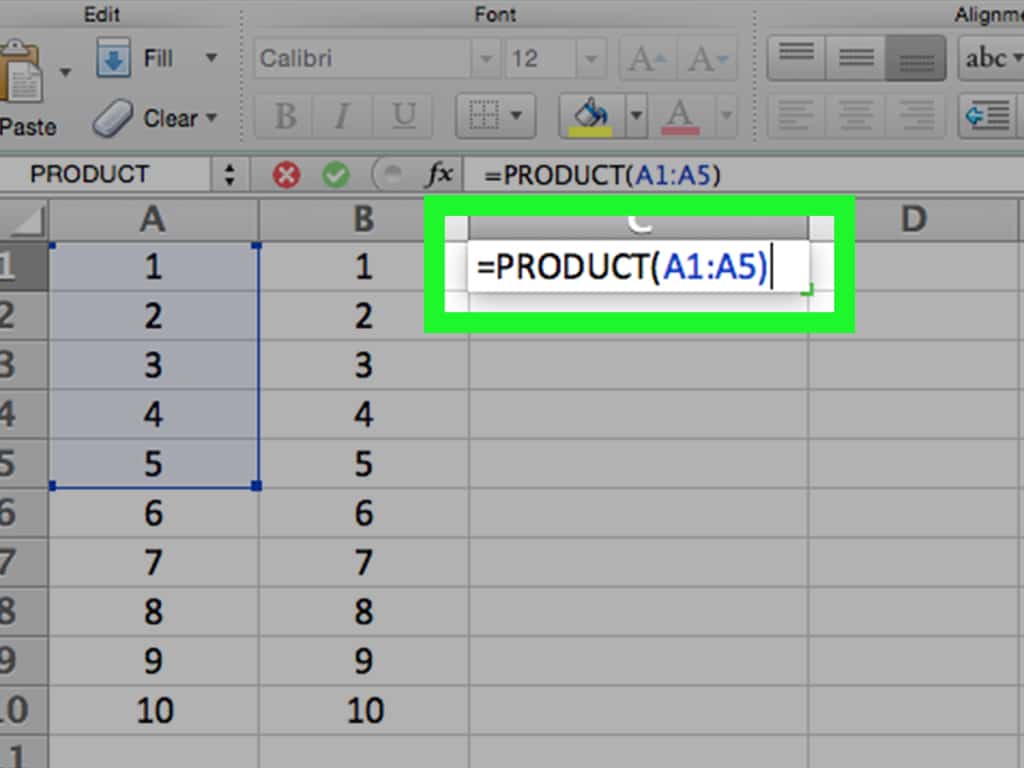
The calculation functions in Excel are the basic functions that you must know to use this software well. There are many:
- RAND.BETWEEN: this combination to discover on apprendreexcel.com allows you to obtain a random integer between two specified limits. For example, RAND.BETWEEN(1; 42) gives a random number between 1 and 42.
- ROUND: this is the Google function that allows you to round a number based on the number of digits after the decimal point. For example, ROUND(42.1337; 2) gives the value 42.13. Additionally, there are other variants of the function such as ROUNDUP which rounds up to the next value, ROUNDDOWN for rounding down to the previous value, and MROUND which rounds a number to a specific multiple.
- GCD: it highlights the greatest common divisor of several integer values. To obtain it, for example, you would use GCD(12; 30) which will return 6.
- PI: it replaces the use of the actual value of PI in a cell in Excel. For example, ROUND(PI(); 2)=3.14.
- PRODUCT: allows you to multiply the data in a table or a cell.
- POWER: this Excel function calculates the power of a number. For example, POWER(4; 2)=42=16. However, there is another Excel parameter to use for calculating complex powers.
- ROMAN: the ROMAN function allows you to convert Arabic numerals to Roman numerals in Excel. This feature is rarely useful.
- SUM: this is a very popular and useful Excel function that gives the total or temporary sum of a series of data. For example, SUM(12; 29)=41.
Excel Logical Functions
Excel logical functions are useful for finding the actual values of several data points. Thus, we distinguish:
- AND: allows testing multiple conditions and checking at the same time if they are true. Thus, AND(1337-42=1295; 1295 +42=1337) will return TRUE, since 1337-42=1295 and 1295 +42=1337.
- OR: returns TRUE if any of the specified criteria are met. Thus, if you take the example OR(1 +1=2; 1 +1=3), the equation 1 +1=2 is true.
Statistical and Mathematical Functions
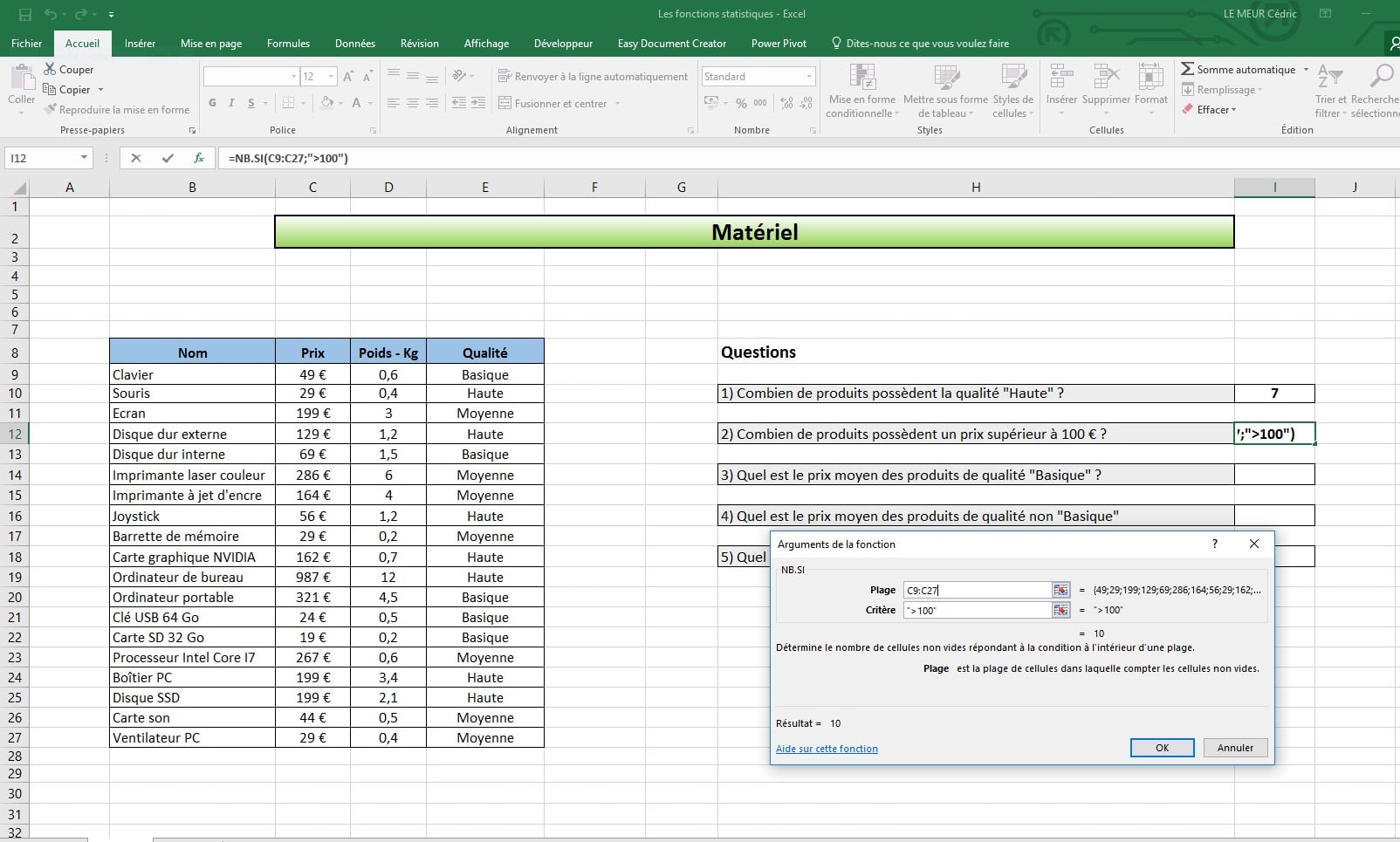
The statistical and mathematical formulas in Excel are numerous since it is a calculation software. Thus, the basic formulas MAX and MIN allow you to extract the highest value from a series and the smallest value from a series, respectively. When you want to know the smallest and largest number by entering 100 different values from A1 to A100, you can use =MAX(A1:A100) and =MIN(A1:A100).
As for the RANK function, it allows you to rank the values in the same series. Considering the previous example, you would indicate in column B the ranking of the values in the series knowing that rank 1 is the highest value in the series.
The basic functions of Excel are numerous and allow you to create complex spreadsheets. It is important to master at least the basics to perform certain actions and make good use of this software.